Excel or Google Sheets?
Either can run a budget template. The most important point is that a template built for one may not work fully in the other, so check before you buy.
1 of 5
Two common programs
Both have rows, formulas, and charts, and a budget can work well in either one.
2 of 5
Microsoft Excel
There’s a free web version, and desktop apps come with a paid plan. Many people already have it through work or home.
3 of 5
Google Sheets
It’s free with a Google account and built around online sharing. You can also set it up to work offline.
4 of 5
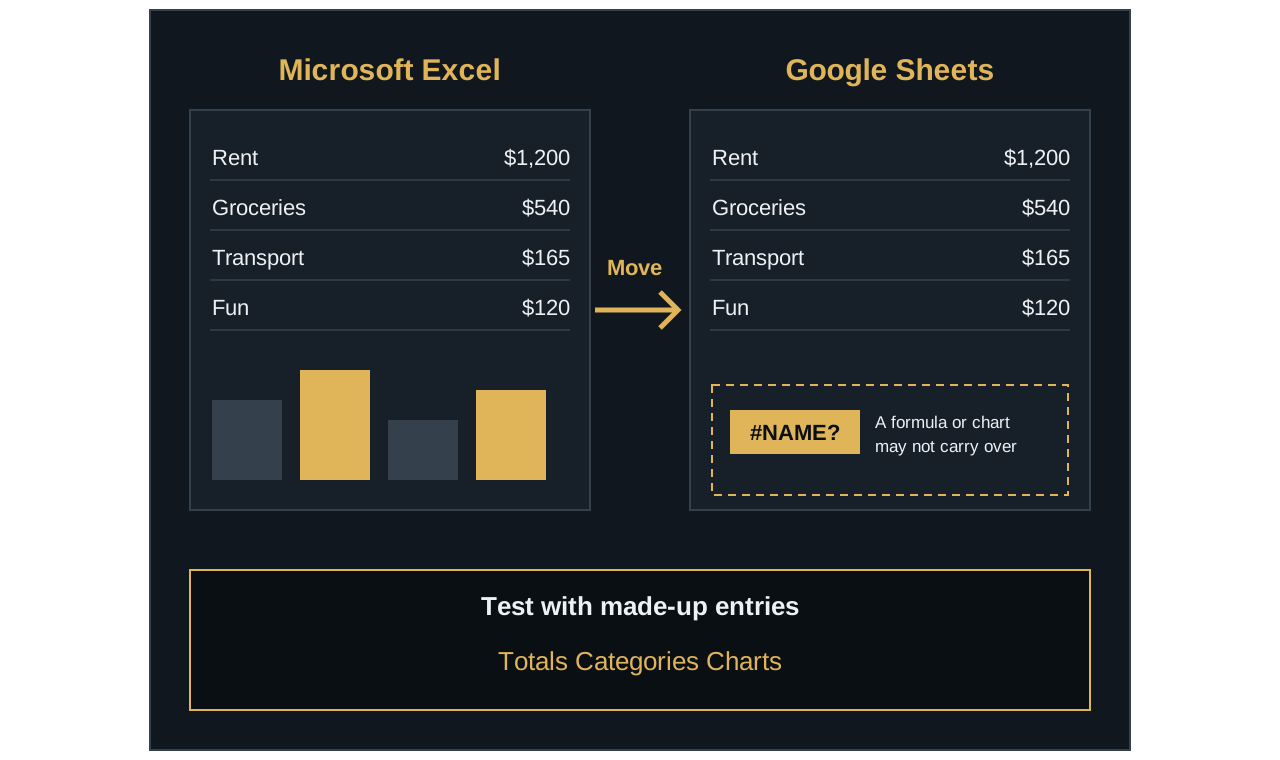
Moving can break things
The programs don’t always use the same formulas or features. A moved template may look different or show errors.
5 of 5
Test before you trust it
If you do move one, try a few made-up entries and check the totals, categories, and charts.
Check before you buy.
Make sure the template names the program, and version, you plan to use.
How they compare
| Question | Microsoft Excel | Google Sheets |
|---|---|---|
| What does it cost? | A free web version, or desktop apps with a paid plan | Free to use with a Google account |
| Where does it run? | A web browser, phone or tablet app, or installed desktop app | A web browser, or a phone or tablet app |
| Can you work without internet? | Yes, with the desktop app | Yes, after setting up offline access |
| Can you share with a partner? | Yes, through online storage or Excel for the web | Yes, directly from the sheet |
| What runs its macros? | VBA | Google Apps Script |
A macro is a small program that can run tasks inside a spreadsheet. Many templates don’t need them, but it’s worth checking. Macros built for one program won’t simply work in the other, and Excel for the web can’t create VBA macros.
Details like these change, so check the current information from Microsoft or Google before you decide. Last checked November 2026.
Can a template move between them?
Sometimes, but don’t assume it will work perfectly. Microsoft notes that the two programs often use different formulas or features, and these may not always translate perfectly. A moved file might look different, lose a chart, or show errors.
If you do move one, test it with a few made-up entries before you rely on it. Check that the totals, categories, and charts all update correctly.
How to choose
- Already use one? Start there, since you won’t have to learn a new program.
- Don’t have Excel and don’t want to pay? Google Sheets is a simple place to start.
- Want to update it with someone else? Google Sheets is built around sharing, and Excel can share online too.
- Want to work mainly in an installed program? Excel’s desktop app may suit you, with a paid plan.
Checks before you buy a template
- Does the listing name your program, and your version of it?
- If you use Excel, does it need a particular version, or will the free web version work?
- Does it say whether it works well on a phone? A large workbook can be awkward on a small screen.
- Does it use macros?
- If you use Apple Numbers, does the listing specifically support it?